I spend much of my day looking at screens - from desktop to smartphone to tablet. I love what screens have to offer, but this year, I resolve to take more control of how I use my screen time. I resolve to be plugged in with more purpose.
I’ve spent time in the last months reading and researching with the goal of finding how to best use technology to make my 21st century life a better one. To take advantage of the ways screens can enrich my life.
With sites and apps in my arsenal, I’m using technology to better use technology. And so, my 12 picks for 2013 - one for each month of the year.
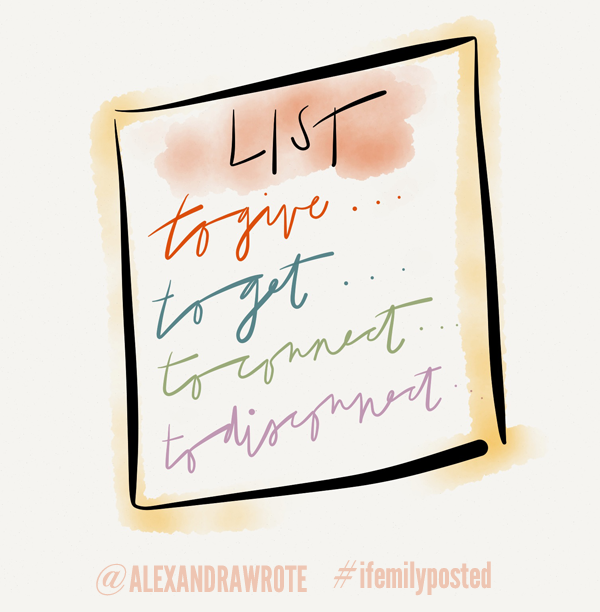
TO GIVE…
TIME: Volunteer Match
Cost: $0
Platforms: Website
I read recently that only 1 in 5 of us contribute to charitable causes. Giving doesn’t have to come in monetary form. Yet, sometimes it’s overwhelming to try and figure out where and how to help. Volunteer Match lets you find ways to help by zip code or city. You can find out what is needed right now or the third Thursday of the month. Simplifying the search removes the guesswork. With info to connect at your fingertips, there’s nothing keeping you from taking the next step.
MONEY: Kiva
Cost: $25 and up
Platforms: Website, iPhone, Android and Windows Phone
A number of years ago, I discovered Kiva and the concept of micro loans through friends. I went from feeling that I could never give enough to make a difference, to seeing just what we can do working together. The concept is simple. You donate in increments of $25 to a group that’s helping to fund a loan to the working poor. As the loan is repaid, you received your KIVA credits back, and then you can loan that money to another person in need.
THANKS: The Gratitude Journal
Cost: $0.99
Platforms: Website, iOS devices
Consider it your own Silver Linings Playbook. End each day writing down five things - from the marvelous to the mundane - that were good. It’s incredible we don’t do this by reflex. I wish I did. Now if not by reflex, but by habit. The lists don’t have to be made public, but you can connect to social networks, add photos and other bells and whistles. But even in its most basic form, it’s beautiful.
TO GET…
FOCUSED: Pomodoro Timer App
Cost: Free
Platforms: iPhone/iPad
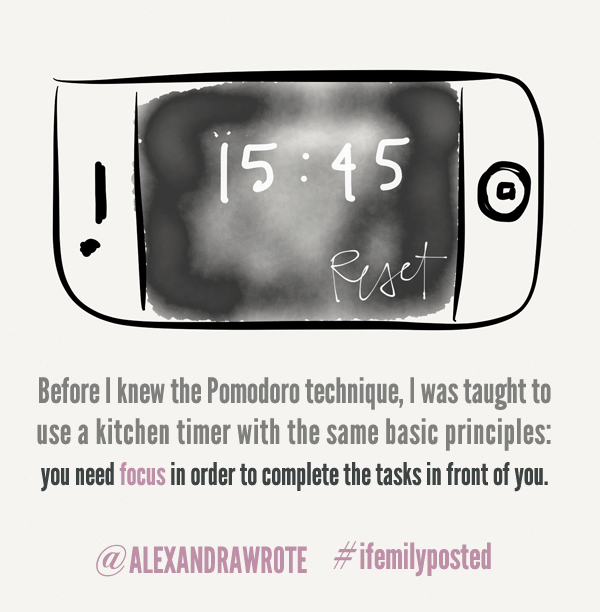
Before I knew what the Pomodoro technique was, I was taught to use a kitchen timer with the same basic principles: you need focus in order to complete the tasks on front of you. You also need breaks from those tasks to gain that focus.
I’m not always writing in the same place and a Pomodoro app is wonderfully portable, and I love the simplicity of this one. Tap the screen and the countdown begins. After 25 minutes, I then have the choice between starting another 25 or opting for a timed break. Simple, effective, brilliant.
INSPIRED: PAPER
Cost: $1.99 and up
Platforms: iPad
I like to sketch out ideas on paper. I also like to save a tree whenever possible. Within virtual Moleskine-eqsue books, I can paint, draw, sketch and make notes, and then email them, print them or trash them. Like the PAPER creators say, “we noticed that somehow, along the way, software developed to help us be creative actually made us less creative. That’s because we believe our best ideas emerge when we use pencils and paper.” (All of the graphics in this post are made in part using PAPER).
BOOK RECS: What Should I Read Next?
Cost: $0
Platforms: Website
I recently gave Good Reads a break, realizing that I was spending time organizing lists of what I wanted to read and reviewing what I had when I could actually be reading. This very straightforward site uses the books you already love to help you decide what you should pick up next along with links to where to buy.
TO CONNECT…
WITH WORDS: Project Gutenberg
Cost: Free
Platforms: Website, eReaders, Kindle
Project Gutenberg offers tens of thousands of digitized books for you to read for free on your in print, on your desktop, or eReader of choice (Kindle’s partnership with Project Gutenberg makes it easy to download free via Amazon. It’s a wonderful way to connect with the stories you always wish you’d read and old favorites, too. E-readers aren’t cheap. Offset the cost by filling yours with a library of free books that you can spend a lifetime enjoying.
WITH IMAGES: Instagram
Cost: Free
Platforms: iOS, Android devices
A few weeks ago, I wrote about issues surrounding the potential TOS changes for Instagram. I’m happy to hear they opted to listen to users and rethink the way they worded things, although, as users, if your account isn’t private, some things you’ve always given them permission to use. (Always read the fine print.)
While considering an alternative, I realized that part of the reason I love Instagram is that it does one thing and it does it well (as long as Facebook doesn’t mess with a good thing). As a photographer, I’m impressed with the image quality and the filters. For social sharing, I enjoy the interface and the pace at which it moves. When I want a visual diary to share, Instagram works because it’s unfussy. Less is more.
WITH PEOPLE: Paperless Post
Cost: Varies on usage, but can be free.
Platforms: Website, iOS devices
As someone who has yet to give up on handwritten correspondence, Paperless Post is the next best thing. With an incredible selection of cards, and the ability to customize down to the envelope liner of choice, it’s a luxe stationer of the digital kind. Wonka’s paradise for paper lovers featuring in house designs as well as a number of well-known stationers. PP makes email something to treasure.
TO DISCONNECT…
RIGHT NOW: Freedom
Cost: $10
Platforms:Desktop for Mac and PC
Freedom is simple, and sometimes is simple is spectacular. You start the program, tell it how long you want to work/play without distraction and you cannot access the web or have it distract you until time is up. You can always restart your computer to stop the clock - there’s no Inspector Gadget self-destruction happening if you change your mind. But thinking about whether to restart your computer is just enough time to contemplate whether that tweet or google search really can wait.
RIGHT NOW, BUT WITH BABY STEPS: Anti-Social
Cost: $15
Platforms: Desktop for Mac
The makers of Freedom have also created Anti-Social, which doesn’t disconnect you completely, only from the social sites, which in some ways makes it the best of the two. Freedom is now cross platform, and hopefully Anti-Social will follow. If you’re on a Mac, buy them bundled together, and save $5 (plus potentially priceless time).
SAVE IT FOR LATER: Evernote
Cost: Free and Paid Subscriptions Available
Platforms: Desktop, Online, iOS devices, Blackberry, Android, Windows Phone
We can bookmark and pin and save things for another day in so many ways, but it’s truly impossible to keep up with it all. With Evernote’s web clipper, I save a copy of what I want to read to my Evernote file, and later, on my desktop, tablet, or phone, sit down to read it with full attention. For free, you can view them as long as you have a web connection. A $5 monthly subscription buys you the option of offline reading amongst many other features.
Turn on Freedom, then set the Pomodoro app for 25 minutes at the end of the day, or maybe over your morning coffee, to read through what you clipped via Evernote. 25 minutes of quiet, focused time? Oh, quiet. I sometimes forget that.
Add that to your Gratitude Journal.
Includes personal link to Paperless Post.
Like this:
Like Loading...

